Vimeo as Background Video
Add a Vimeo video as a background video on your Webflow site using this custom CSS code. If you've wanted to add a Vimeo video as a background video you'll see that it's not possible natively in Webflow. This CSS allows you to add a Vimeo background video to…
Add a Vimeo video as a background video on your Webflow site using this custom CSS code. If you've wanted to add a Vimeo video as a background video you'll see that it's not possible natively in Webflow. This CSS allows you to add a Vimeo background video to your Webflow site.
How to add it
- Add the custom CSS to your sites head custom code section or global embed
- Review the HTML to understand class names and add as an embed
The code
CSS
                      <style>
.video-bg {
  position: absolute;
  left: 0%;
  top: 0%;
  right: 0%;
  bottom: 0%;
  z-index: 0;
  overflow: hidden;
}

.video-bg_iframe {
  position: absolute;
  left: 50%;
  top: 50%;
  right: auto;
  bottom: auto;
  width: 100vw;
  height: 56.25vw;
  min-height: 100vh;
  min-width: 177.77vh;
  transform: translate(-50%, -50%);
}
</style>
HTML
                      <!-- Add via embed to page -->
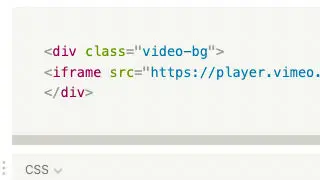
<div class="video-bg">
<iframe src="https://player.vimeo.com/video/{{VIMEO-ID}}?background=1" class="video-bg_iframe" frameborder="0" allow="autoplay; fullscreen" allowfullscreen></iframe>
</div>