Before After Slider Reveal

Try the cloneable below

Cloneable tags

Description

The Before After Slider Reveal is a Webflow cloneable that allows you to showcase a before and after transformation using a slider animation. This cloneable is easy to use, simply replace the background images for .before-image and .after-image to see the before and after transformation in action. The animation is powered by Webflow interactions, which means that you can achieve the effect without the need for any additional code. This cloneable is a great option for showcasing renovations, design transformations, or any other before and after scenario. Whether you want to highlight the transformation of a physical space or a digital project, the Before After Slider Reveal is a simple and effective way to do it.
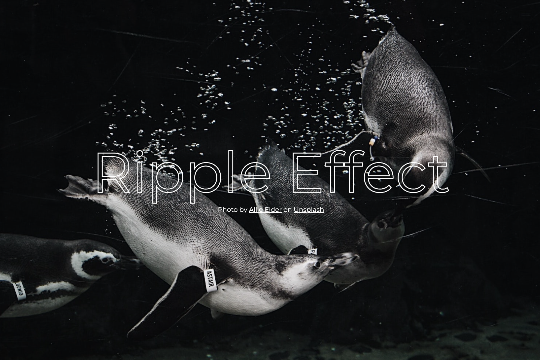
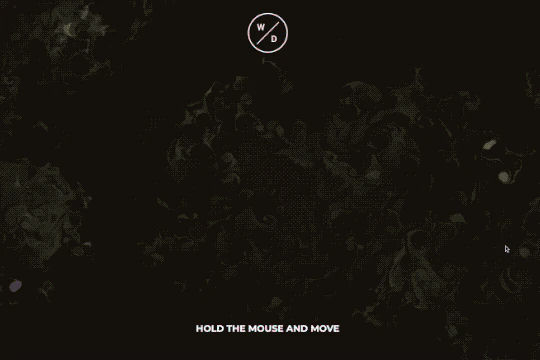
A fun way of adding a water mouse hover ripple effect to your Webflow site. Simply add a tiny code and the javascript library and you're all set.

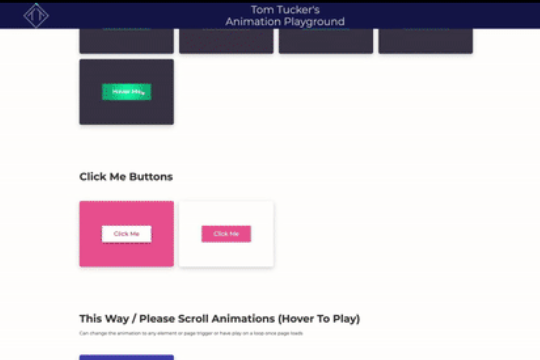
A huge selection of premade Webflow animations, including animated buttons, click buttons, circular hover buttons, scroll down animations, nav link animations, tab animations, search bars, social media buttons, text animations, contact cards, blog cards, product cards and more.

Here's a beautiful WebGL colorful background animation on page load. A great way to add extra color and a dynamic element to your Webflow site.

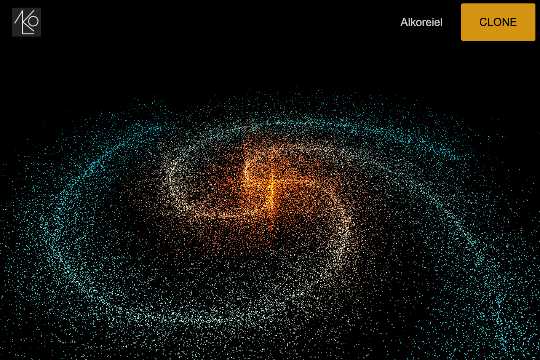
A two colored spiral galaxy animation for Webflow created with Three.js. This spiral galaxy spins in the background of your Webflow site and offers zoom in/zoom out functionality by the scroll wheel on your mouse.

Add a liquid metal background animation to your Webflow site via WebGL. Please note that this example relies heavily on scripts and custom code so you'll need to add the custom code found within the page settings.

A beautiful Swiper.js overlapping cards slider built for Webflow. This Swiper.js slider is perfect for a hero section or features section of a site. When a user navigates between slides the top card is removed and the next card in line comes into view. The cards are stacked with various offsets so it looks like playing cards. There are text transitions for each text associated with the slide. This slider was created using Swiper.js and utilizes Webflow's native CMS collections. This allows you to dynamically generate slides based on the collection list items. This requires custom code so be sure to look at the pages custom code for the Swiper.js code. You can modify the Swiper.js code to include grabcursor, looping, and utilizing arrows to navigate between slides.

Add a progress bar to your draggable CMS slider sections in Webflow. Typically most draggable, or third party sliders, don't offer a progress bar indicator. Using the power of Dragdealer.js you can now add a progress bar and draggable CMS slider to your Webflow site. Please note that you'll need to add the global styles HTML embed as well as the custom script found in the closing body tag within the Page settings for this to work properly.

Here's a demonstration of using three.js for the background of your Webflow site.

DRAG
Real-time sorting by

Before and after slider animation with pure animation Webflow interactions. You only need to replace the background image for .before-image and .after-image

DRAG
Real-time sorting by