CSS Button Hover Effects
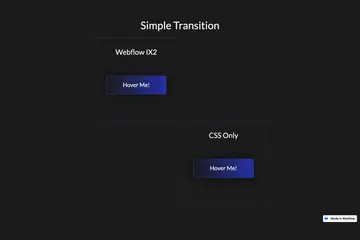
Twenty prebuilt CSS button hover effects to allow you to easily add button hover effects without complicated Webflow interactions. These include a number of unique effects such as marquee text on hover, fade in and fade out, 3D expanding effects, chat widget…
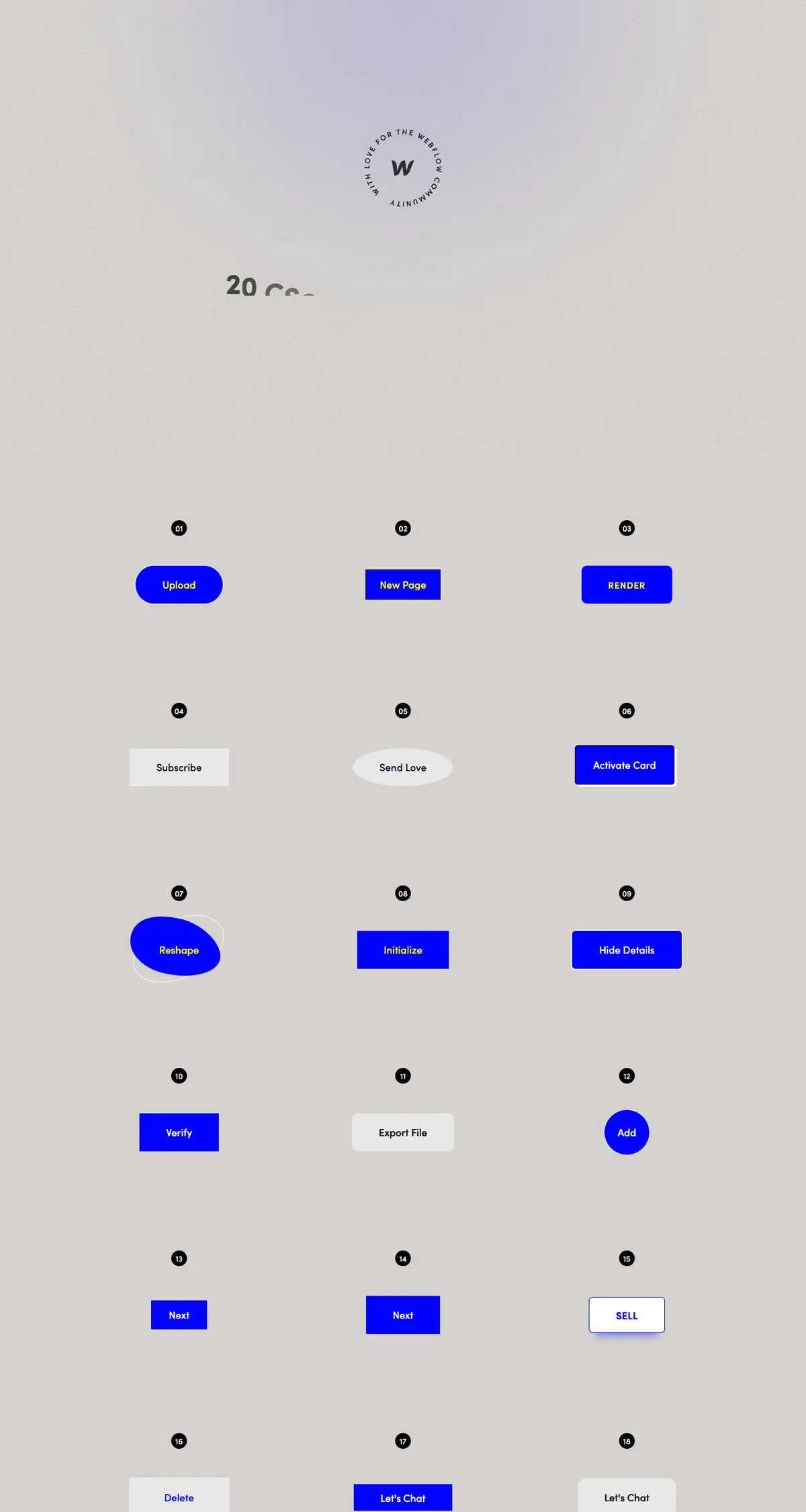

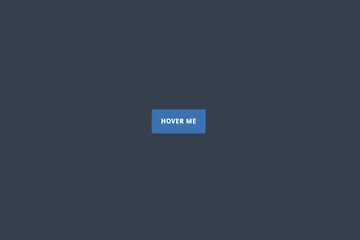
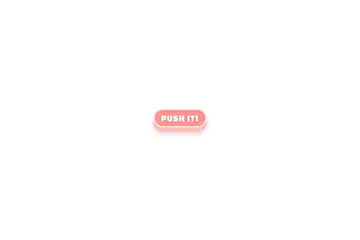
Twenty prebuilt CSS button hover effects to allow you to easily add button hover effects without complicated Webflow interactions. These include a number of unique effects such as marquee text on hover, fade in and fade out, 3D expanding effects, chat widget buttons, rotating and much more. You can add these to your Webflow site by copying the HTML embed with the relevant CSS scripts for the button effects that you want. Add the custom css class to your buttons and you'll immediately be able to view the button effects within Webflow designer. This makes for easy, and lightweight buttons that provide fun effects without the headache of interactions or complicated hover states.
Browse similar cloneables
More from Vibrand Design
Profile →