Dynamic Copyright Year
Quite manually updating your Webflow sites copyright year with this Javascript code snippet. This Javascript code snippet will automatically display the current year for copyright years in footers and other elements in which you want to show the current year.
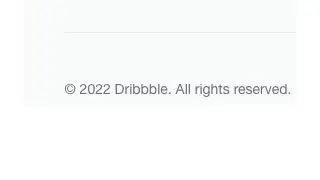
Quite manually updating your Webflow sites copyright year with this Javascript code snippet. This Javascript code snippet will automatically display the current year for copyright years in footers and other elements in which you want to show the current year.
How to add it
- Add the Javascript code snippet to your closing body section of your custom code
- Add the class copyright-year as a span in your text element
The code
Javascript
                      <!-- Add to closing body tag-->
<!-- Set Footer Copyright Year -->
<script>
Webflow.push(function() {
    $('.copyright-year').text(new Date().getFullYear());
});
</script>