Hide/Show Elements by Breakpoint and Item Count
This custom Javascript code allows you to show or hide items based on breakpoints and the number of items in Webflow. In this example nav buttons are hidden in a custom card slider if the number of cards is less than or equal to the number of items current…
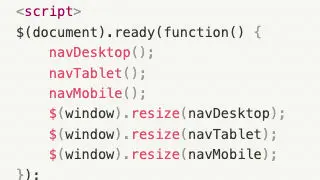
This custom Javascript code allows you to show or hide items based on breakpoints and the number of items in Webflow. In this example nav buttons are hidden in a custom card slider if the number of cards is less than or equal to the number of items current and is adjusted by breakpoints of 1024, 768
How to add it
- Add the custom script to the closing body tag of your custom code settings of your Webflow page
- Update the code based on your requirements
The code
Javascript
                      <script>
$(document).ready(function() {
    navDesktop();
    navTablet();
    navMobile();
    $(window).resize(navDesktop);
    $(window).resize(navTablet);
    $(window).resize(navMobile);
});

function navDesktop(){
  if ($(window).width() >= 1024) {
    if ($("div[slide='grants']").length <= 3) {
      $("a[nav='grants']").hide();
    } else {
  		$("a[nav='grants']").show();
  	}
  }
}
function navTablet(){
  if ($(window).width() < 1024) {
    if ($("div[slide='grants']").length <= 2) {
      $("a[nav='grants']").hide();
    } else {
  		$("a[nav='grants']").show();
  	}
  }
}
function navMobile(){
  if ($(window).width() < 768) {
    if ($("div[slide='grants']").length <= 1) {
      $("a[nav='grants']").hide();
    } else {
  		$("a[nav='grants']").show();
  	}
  }
}
</script>