Truncate multi-line text with Ellipse
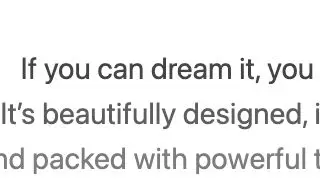
Do you want consistency with your Webflow designs? Truncate multi-line texts with ellipses based on 2 or 3 lines of your choosing via CSS. This helps keep your designs uniformed without needing to set max height limitations by truncating text that goes…

Do you want consistency with your Webflow designs? Truncate multi-line texts with ellipses based on 2 or 3 lines of your choosing via CSS. This helps keep your designs uniformed without needing to set max height limitations by truncating text that goes beyond a certain length.
How to add it
- Add the custom CSS to your Webflow global styles embed or your head section of your pages custom code
The code
CSS
                      /*Apply "..." after 3 lines of text */
.text-style-3lines {
    display: -webkit-box;
    overflow: hidden;
    -webkit-line-clamp: 3;
    -webkit-box-orient: vertical;
}

/*Apply "..." after 2 lines of text */
.text-style-2lines {
    display: -webkit-box;
    overflow: hidden;
    -webkit-line-clamp: 2;
    -webkit-box-orient: vertical;
}