


Discover Webflow cloneables
The best Webflow cloneables for your Webflow sites. Find what you're looking for faster with instant search.
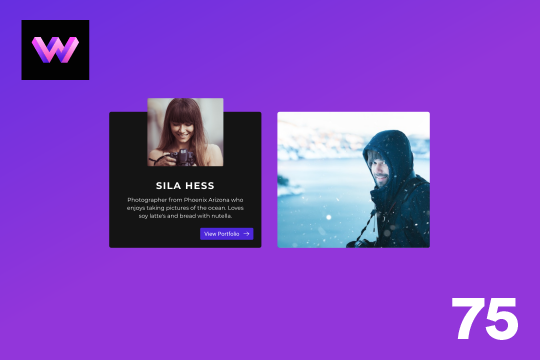


Here's a unique team, about card hover animation for Webflow. When someone hovers over the profile image the image zooms out, and the name, details and a button is then displayed.


A unique example of various text related interactions in Webflow. When the site loads each letter is gradually shown, scrolling down the page you're then presented with further interactions via the in-view and out of view interactions with offset to create a nice effect while scrolling. This is based entirely on Webflow's native CMS system. There is some custom CSS in order to have the customized Webflow CMS items and for cursor events.


A modern, full screen menu with a slide in animation as well as hover over text effects.


A shooting stars effect for the background of your Webflow site. The stars come in from the top right to the bottom left on your Webflow site.

Here's a fun hero section that offers a hover slider image interaction for your Webflow site. The images move based on the mouse location and expand and focus on hover state.


Here's a tall pricing page design with annual pricing toggle in Webflow. A full pricing page design for your Webflow site that includes an annual/monthly pricing toggle interaction, service features, and a FAQ section.
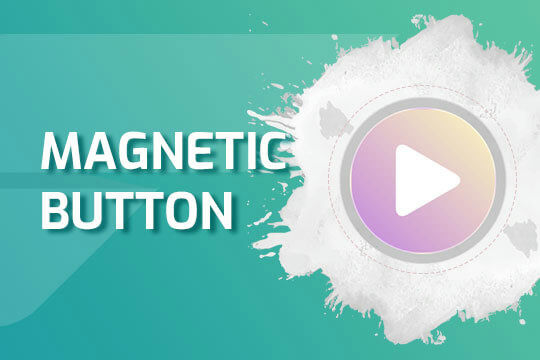

Four different magnetic mouse hover button designs. These buttons are great for a CTA button due to the stickiness of the button interaction as it tends to grab your attention and keeps the user focused on the CTA. By using the mouse hover over element interaction to create this animation which makes the cursor act like a magnet to attract the button.
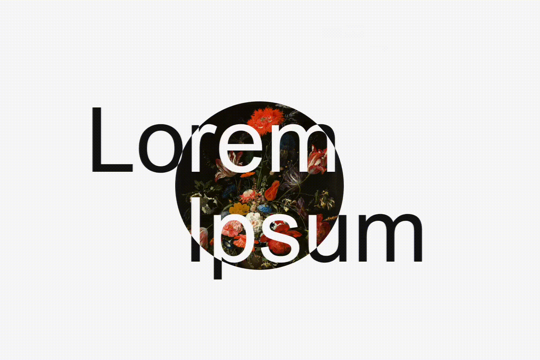

A simple, interactive scroll text mask technique for Webflow. As the user scrolls down the text moves in separate directions created through a Webflow interaction. The text has a masking effect which can be found on the parent Track div. A great example of Webflow's native masking capabilities.
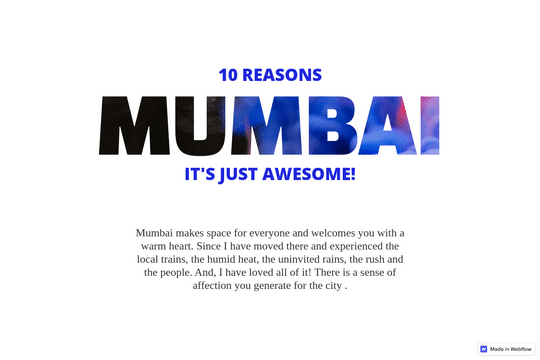

Add a background text clipping effect to your Webflow site. This allows you to use any image as the text colors/styling by adding a clipping effect that allows the image to pass through the text.
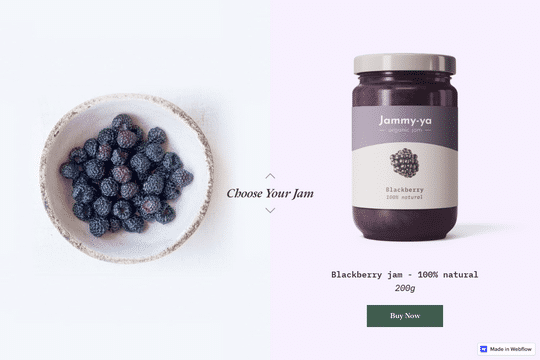
Here's a great way to add a dynamic, image changing section based on scroll in Webflow. The left section is absolute image that changes as you scroll down the page further.
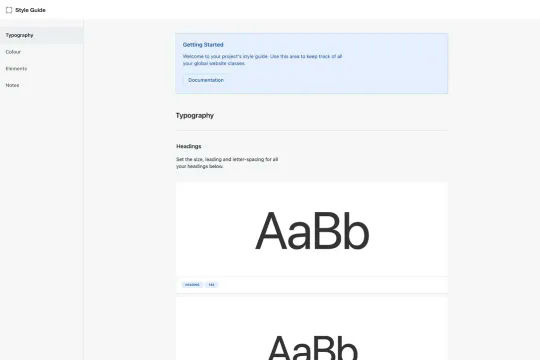

A started style guide featuring many of the core elements needed when creating a Webflow site. This style guide features typography setting such as headings, text classes, labels or eyebrows, field labels and rich text. Color options such as text colors, text hovers, fill colors, border colors, form colors for both dark and light versions. Elements such as buttons, icon buttons, submit buttons, text links, inline links, pills, interface icons, text fields, text areas, checkboxes, radio buttons, select fields and dropdowns, containers and spacers as well as additional information about this style guide.
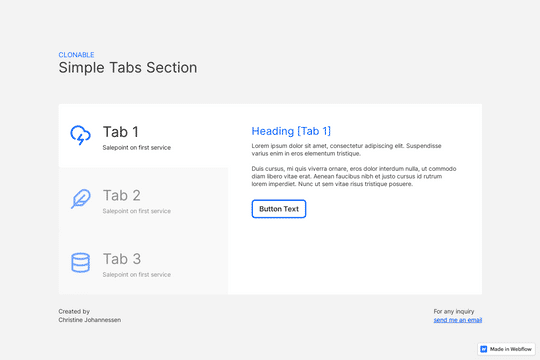

Creating a simple tabs section in Webflow has never been easier thanks to this cloneable. This simple and minimal tabs section design allows you to add tabs styling to your Webflow site.
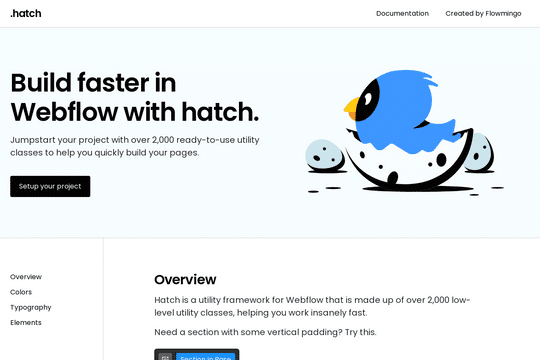

Hatch is a utility framework/UI kit that is made up of 2,200 low-level utility classes, allowing you to get started on your Webflow sites faster. From font sizing to spacing scales based on responsiveness. The documentation for each class can be found here: https://www.notion.so/Hatch-0d4a03cf6c9f474787e59484822d09c7


Welcome to the first version of the Universal UI project! Included in this kit are over 40 sections, along with 11 page templates - the Universal UI Kit will be completely free, for life. Use it on as many projects/clients as you'd like, no credit necessary! The purpose of this UI Kit is to give you all the sections you need to make a business website, without narrowing down the visuals too much into one niche, or making it too hard to customize. Most UI kits look nice because of custom graphics - which is fine for a normal website, but for a site that's made to be cloned, it's pretty much useless. In order to achieve the same level of website that the UI Kit promised you, you'll have to go and make all new custom graphics - which we think defeats the purpose of a UI Kit. Happy cloning, and please drop a like & comment if you appreciate this free resource!
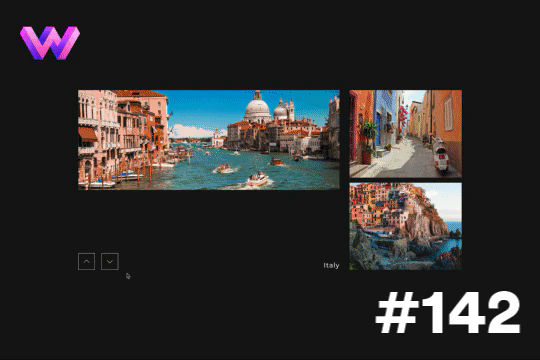
Here's a way to showcase several different slides transitioning per click. This is achieved via micro interactions for the previous and next buttons. The interaction for the arrows was created in After Effects and custom code was utilized to trigger multiple slide changes at once.
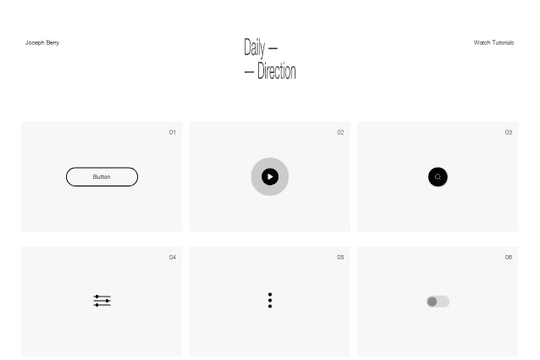

A full set of beautifully designed interactions in Webflow for your projects. These interactions include buttons, play buttons, search, toggles, hamburger buttons, toggles, social sharing and much more.
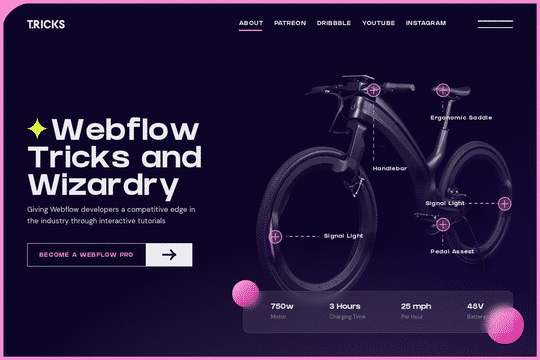

A fun way of showing off a product by allowing for feature zoom in on click. Great for ecommerce sites that need to provide context into features with an interactive zoom in capability.

A fun interaction that shows an image trail on text link hover in Webflow. When the mouse hovers over a text link in Webflow an image trail is shown. This effect uses vanilla Javascript to paint the images when hovering over an object.
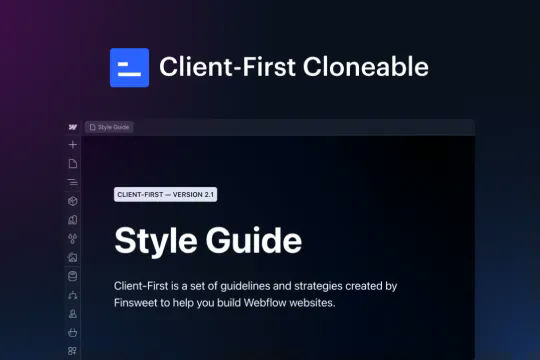

This is the official project starter cloneable for Client-First. It contains a style guide page with all the utility classes that come with the Client-First style system. What is Client-First? https://www.finsweet.com/client-first Full docs: https://www.finsweet.com/client-first/docs Made with 💪 by Finsweet
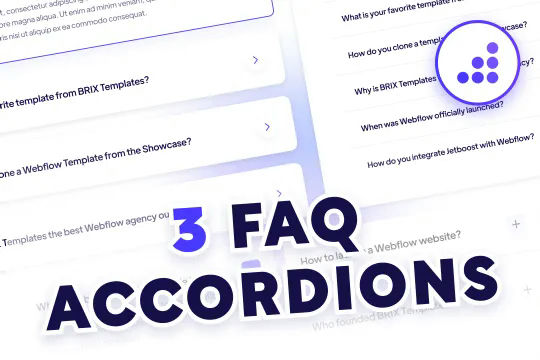

Quality FAQ accordions designed and ready to be cloned for Webflow. Three variations of FAQ Accordions with predesigned Webflow interactions with modern design aesthetics. The first variation features large expandable cards with drop shadows and card highlighting all built with Webflow interactions. When selecting the card the arrow icon changes direction and becomes blue, the card also features an outline to let you know that it's been expanded. The second variation features tabs for extra FAQs and to help split your FAQ up by topics. This is a great way to feature a ton of FAQ questions on your page without taking up valuable real estate. The third variation is a grid form that also allows you to feature more questions in a smaller space, although the limited space means that large FAQs may not be ideal for this FAQ accordion.
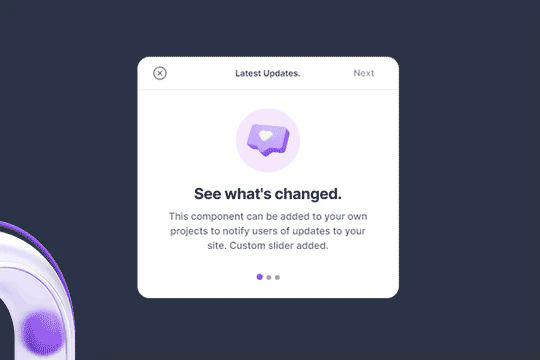

Here's a clean popup modal that includes a slider for your Webflow site. Easy to implement and with cookies you can display the popup once.
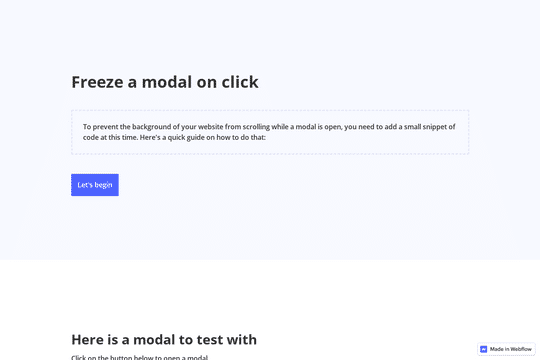

A thorough guide and technique for freezing scroll on the page on a modal popup. Closing the modal via the background click or by clicking on the close icon closes the modal and makes the page scrollable again. This is a thorough tutorial that helps understand the process, and how to implement the technique on your site.
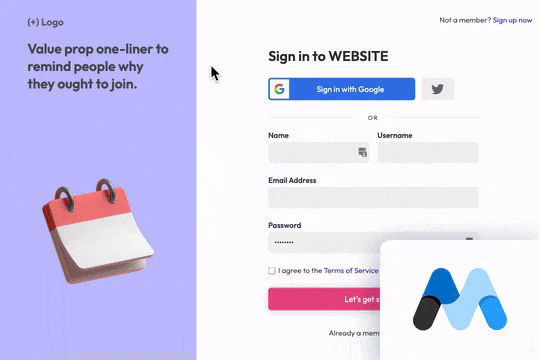
A sign up page inspired by Dribble for Webflow. This cloneable sign up page includes Google login button, Twitter login, name, username, email and password. The username, Google and Twitter functionality are a beta of the Memberstack 2.0. The form includes unique designs with hover states, active states and more.
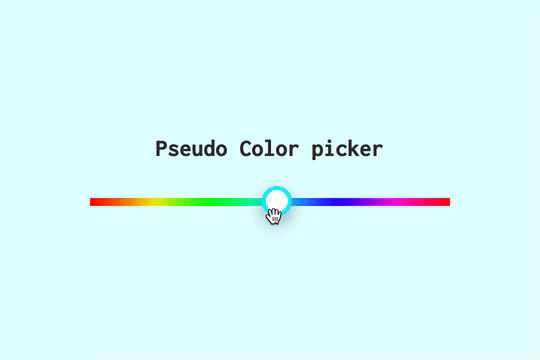
Here's a fun technique, using a slider with a hover slider to dynamically change the color of a sites background in Webflow. This was all made with Webflow interactions.
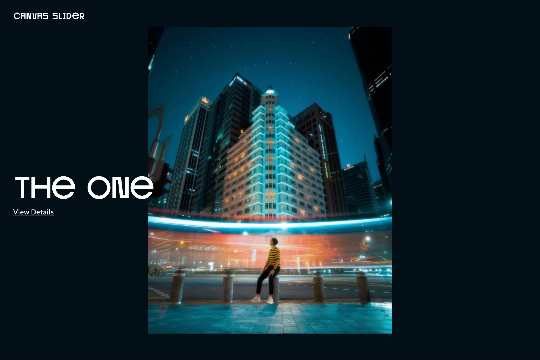

A beautiful, draggable slider for your Webflow site. Some notes about the draggable slider, in mobile view it uses hammer.js for the slider. Images can be updated by changing the attributes found in each <li> item>. The view details URLs can be updated the same way. You can also change the view details and view project by changing the data-video to false. If you want it to say something else you can dive into the code and update that way.
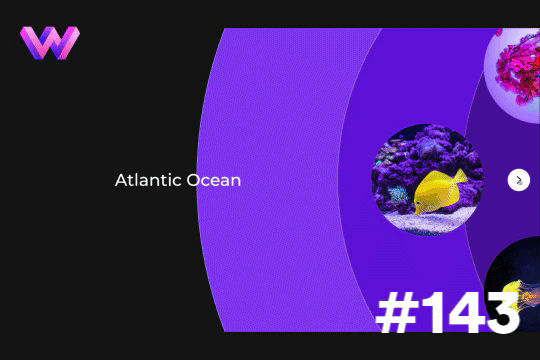
Add a unique circular slider to your Webflow hero. This demo showcases a circular slider with animated panels via the background. These panels were created in Adobe After Effects and triggered via a slider element within Webflow. The main slider is also linked to a secondary slider that showcases the text. The sliders were then linked together via custom code.
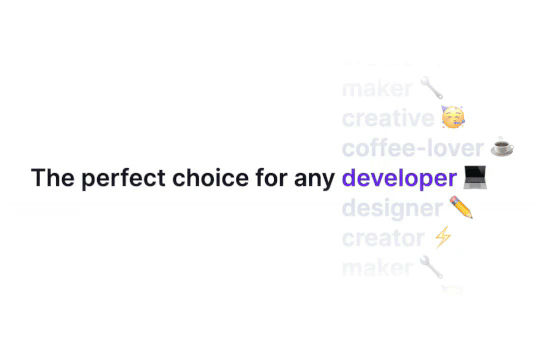


Ever wanted to add an infinite text rotation/changer to your Webflow site? This infinite text rotation technique allows you to have a long list of words that rotate in from bottom to the top and then repeat endlessly. This includes an infinite loop version and a finite version that only runs once. This is fully responsive and easy to customize.

Featuring 10 different text and typography scroll effects powered by GSAP, ScrollTrigger, Lenis.js, splitting.imin.js and Scrolltype.js. Keep in mind that these effects are great but you will need to have some understanding of code in order to modify these significantly as they rely on simply the JS libraries and data attributes to apply each effect. The first effect rotates the text and highlights each letter as the paragraph comes into view. This is achieved via the data attributes as mentioned previously. The second text effect showcases each letter coming into view from a different rotation and then all combines together to make the visible text. The third effect has each word come in at different positions from out of view and then into view on page scroll. The third version unwraps each word letter by letter as you scroll down the page. The fourth effect takes each letter and has it fold up at random intervals as you scroll into view. The fifth demonstration shows each letter rotating into place upon scrolling into view. The next demonstration creates a rolling hills effect for the letters as you scroll into view. The next one showcases a paragraph in which each letter is grown from the initial position as you scroll down the page. An appear example follows this one in which each letter of a word appears to be blurry and come into focus as you scroll down the page. The next and final variation has each word come in from random directions to create the paragraph.
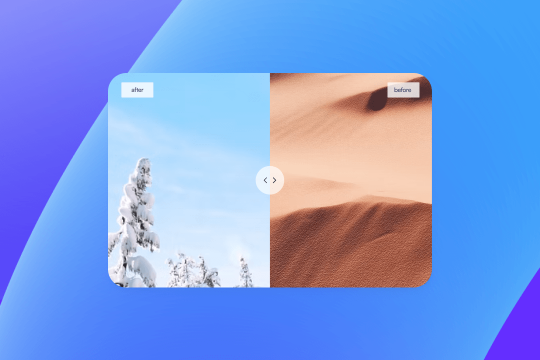
Want to compare two products or images on your Webflow site? With this cloneable you'll be able to add an image comparison section to your Webflow site. This is perfect for product comparisons, service comparisons and much more. Please note that this utilizes Beerslide.js so you'll need to add the custom code found in page settings for this to work properly.
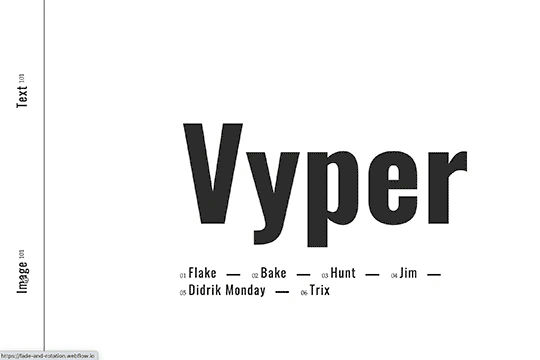

Here's a fade and rotate page transition for your Webflow site. This transition occurs using a small snippet of custom code that allows the transition to happen.
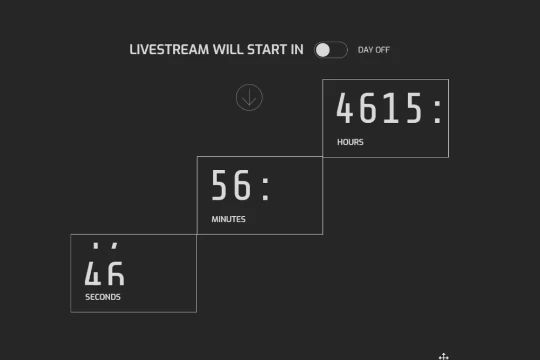

Here's a way to add a counting timer in Webflow with a slider effect. This is a combination of Webflow interactions, CSS animations and custom JS. Since this is a custom CSS animation, it is completely based on attributes and more importantly modular. When scrolling down the boxes rotate out of place and create a fun interaction.
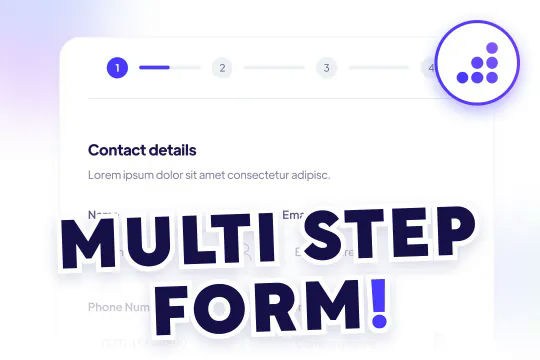
A modern and yet sophisticated multi-step quote request form for Webflow. This multi step form features a status indicator for which step you are currently in with the form. The form was created using Webflow forms and embedding various native Webflow sliders within the Webflow form. This method does NOT require any extra custom code or HTML embeds to work properly and is a perfect starting point for any multi-step form. The form utilizes checkboxes for large options on the second portion of the form, there are also custom designed radio buttons, and a final confirmation page to submit the form. Overall this is an excellent cloneable if you plan on adding multi-step forms, contact forms or questionairre's/onboarding pages for your Webflow site.

An interactive sky background for your Webflow site using three.js and vanta.js. When a user interacts with the page it feels like you're flying through a set of clouds. A perfect way of adding depth and interactive nature to your Webflow site.

Add a liquid metal background animation to your Webflow site via WebGL. Please note that this example relies heavily on scripts and custom code so you'll need to add the custom code found within the page settings.
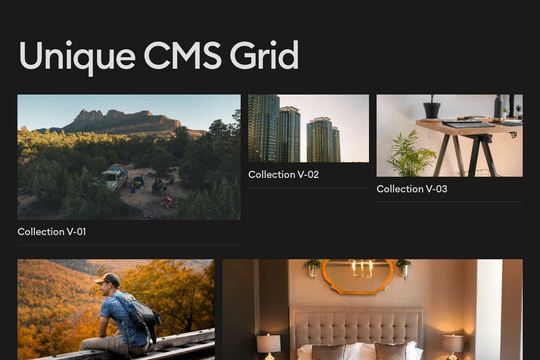
A great way of creating repeating patterns for your CMS grid items using CSS nth child. It's also responsive!
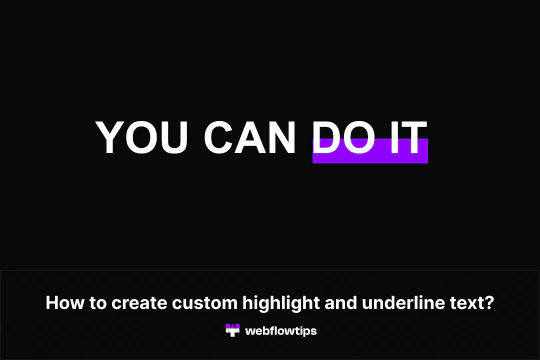

Want to create custom text highlighting and underlining in Webflow? Webflow makes it easy to add customized highlighting and underlining via span classes. This cloneable demonstrates how to create any type of highlighting or underlining variations that you could dream of using Webflow's native text span.
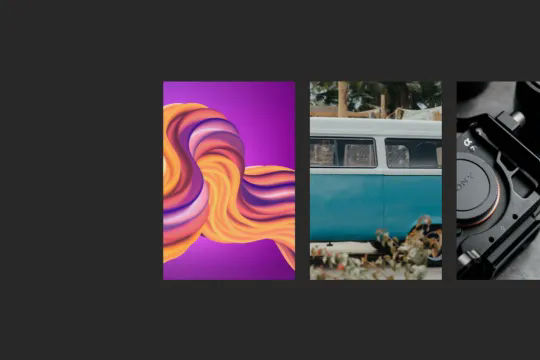

A beautiful horizontal image portfolio parallax effect for Webflow. When a user scrolls down the page the images move from right to left and provide a parallax style effect as the image behind the visible section is moved as well. This technique utilizes Webflow's native interactions and doesn't rely on extra Javascript or CSS. The technique uses While scrolling in view, with one div moving over at one speed and the section with images moving over at another, providing this unique parallax image scroll effect.

Here's a way to exclude free email domains from using a Webflow form on your Webflow site. It excludes the top 100 free email domains via Javascript.
A unique button design in Webflow with hover over interactions. When a user hovers over the button the button fills from right to left and on hover out the fill moves from left to right creating a unique Webflow button via native interactions.


Just about every kind of payment method badge, icon or image you'd need for your Webflow site. This includes payment methods like PayPal, American Express, Visa, Google Pay, Apple Pay, Visa, Stripe, Mastercard. They include images with backgrounds, no backgrounds and much more.

A full SaaS pricing table design for Webflow. This pricing page includes a monthly/annual pricing table, features sections, accordion FAQ and much more. This includes a fun hover interaction, updated page copy and font styles.
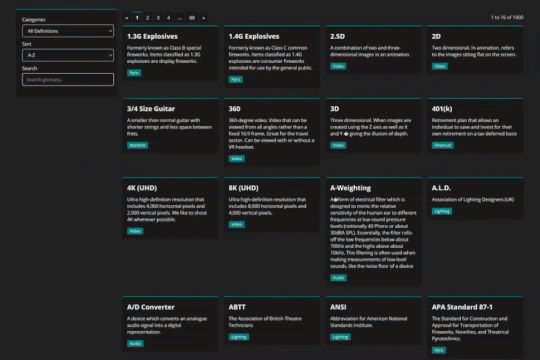

Using Mixitup to combine CMS lists into a single list and add both sorting and filtering to your Webflow site.

Here's a way to achieve a unique hero section using grid and the Wizardry method in Webflow.
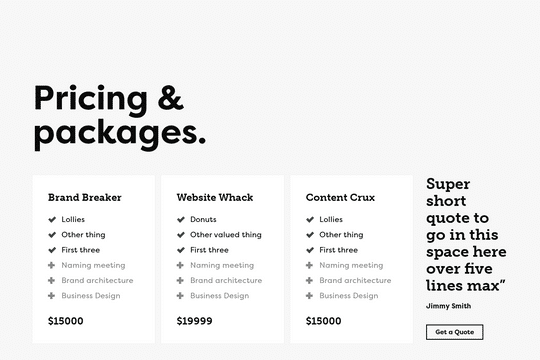

A dynamic pricing table with features that dynamically change the pricing for Webflow. The value of each item can be toggled based on the feature set required and the price updates dynamically based on the required features. Please note that the dynamic pricing, and other features like checkboxes are all accomplished via custom symbols and JS embeds.
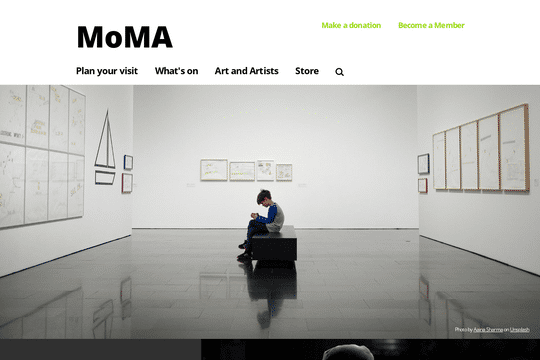

Here's a rebuild of MoMA's website navigation and menu bar. A great way to add a well designed and thought out navigation and menu bar to your Webflow site.

A unique interaction perfect for portfolio pages or about company pages. As a user scrolls down the page the primary in focus element becomes highlighted and the background changes to a different image. This effect was created from only Webflow interactions and does not use any extra javascript or code snippets. Using Webflow interactions and the scroll into view trigger the opacity of the image changes and the previous items are hidden, while a text effect is accounted for. Overall this is a basic, yet sophisticated Webflow cloneable that will help bring any portfolio to life.


Here's a technique to add an infinite spinning record image to your Webflow site. Perfect for a music site, DJ, or media style site. This method could also be used for a variety of other interpretations.
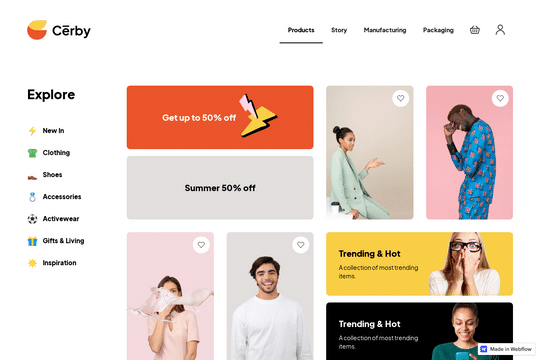
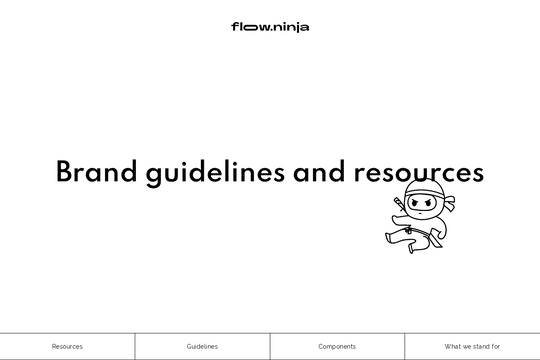
Creating a proper Webflow site should start with brand guidelines and a style guide. This ensures that your sites brand and feel stays consistent from the start of your Webflow site build. This is a great resource and UI kit to build your own styleguide and brand guidelines.

A fun and unique way of adding scroll interactions to your Webflow site. It is slightly difficult to edit the contents of the slides, however you could make these CMS items to make it easier to edit the content within each slide.
